

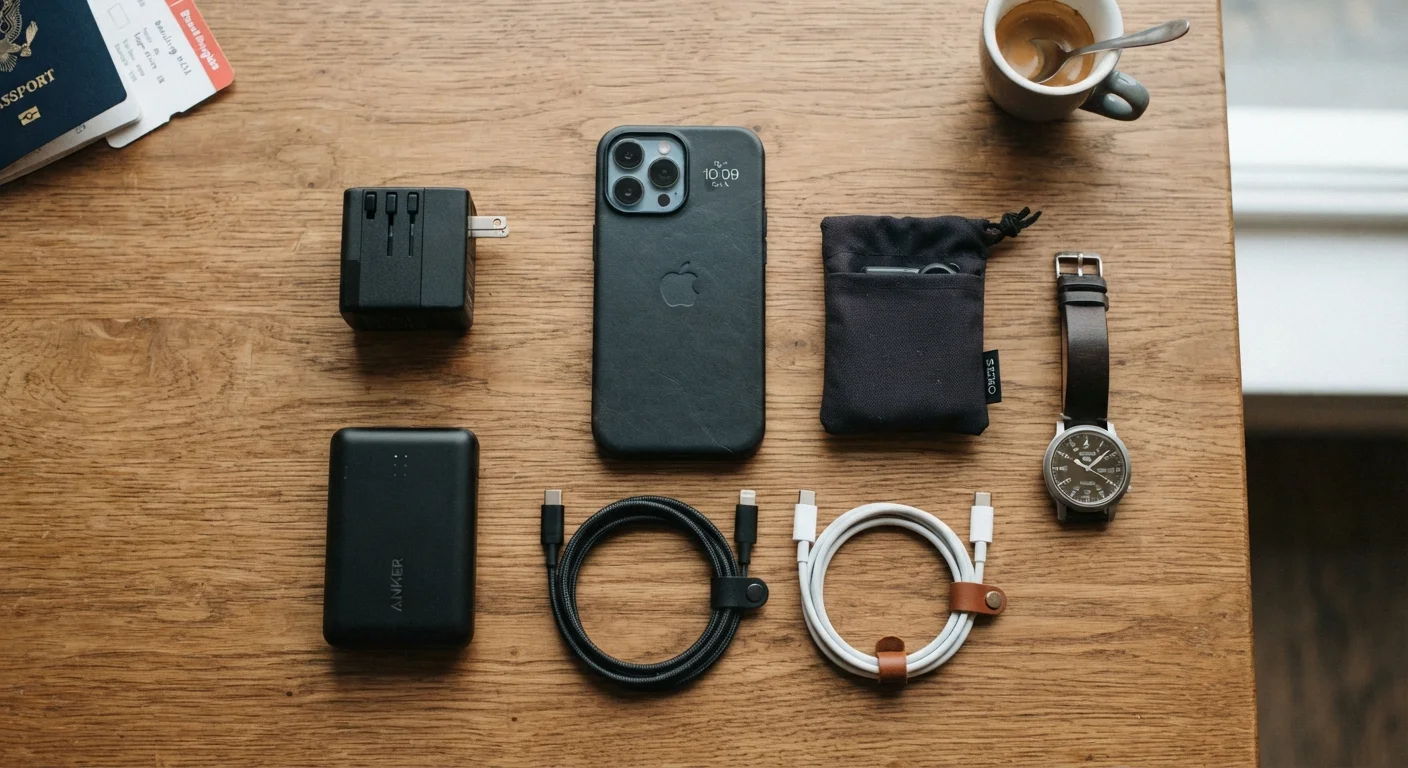
Key Takeaways
- Voltage incompatibility can permanently damage devices; check your adapter specs before plugging in abroad.
- A quality portable battery pack removes dependence on airport outlets and unpredictable hotel rooms.
- Public USB charging ports carry a real risk of data theft; use a power-only cable or a dedicated charger block.
- An international SIM or a local data plan is often cheaper and more reliable than roaming on your home carrier.
- Backing up your data before departure protects you if a device is lost, stolen, or damaged in transit.
Power adapters and voltage: what actually matters
Most consumer electronics sold in the United States are designed for 110-120V power. Many other countries supply 220-240V. Plugging a 110V-only device into a 220V outlet without proper conversion can destroy the charger or the device itself. Before packing anything, check the small print on the charger brick. A label reading "Input: 100-240V" means the charger handles both ranges automatically and you only need a plug adapter, not a voltage converter. A label showing a single voltage ("Input: 120V") means you need a converter.
Plug adapters change the physical shape of the plug so it fits a foreign outlet. They do not change voltage. The two items are different and are not interchangeable. For most modern phones, laptops, and cameras whose chargers already accept 100-240V, a simple plug adapter set covering Type C, G, and I outlets reaches the majority of destinations. See our USB standards reference for a closer look at connector types and what each one actually supports.
Portable power: choosing and using a battery pack
A portable battery pack (also called a power bank) gives you charging capacity independent of outlets. Capacity is measured in milliamp-hours (mAh). A 10,000 mAh pack will fully charge most smartphones roughly two to three times, depending on the phone's battery size. For a fuller picture of how battery specs translate to real use, see gadget battery life claims vs. real-world results.
Before buying, check airline rules on lithium batteries. Most airlines allow packs up to 100 Wh (watt-hours) in carry-on luggage without prior approval. Packs between 100 Wh and 160 Wh may require airline permission. Packs above 160 Wh are generally prohibited in carry-on bags on commercial flights. Watt-hours are sometimes printed on the pack; if only mAh is listed, divide by 1,000 and multiply by the voltage (usually 3.7V) to estimate Wh.
Charge the pack fully the night before departure, not at the airport, where time is short and outlets are scarce.
Airport and hotel charging: the hidden risks
Airport USB charging kiosks are convenient, but public USB ports can be configured to transfer data, not just power. This attack vector is sometimes called "juice jacking." The simplest protection is to carry your own wall charger block and use a standard outlet rather than a USB port. If a USB port is your only option, a "data-blocking" USB cable (one that passes power but has no data pins connected) removes the risk. Never charge a device from a port you cannot verify.
Hotel rooms vary widely. Rooms in some countries have outlets only in the bathroom or behind heavy furniture. A compact multi-port USB charger that plugs into a single outlet lets you charge several devices simultaneously from one location. Packing one outlet adapter per person in your group avoids arguments over the single available socket.
Grounded outlets and adapter fit
Some older hotels, particularly in Europe and Latin America, have ungrounded two-pin outlets that may not accept all three-pin adapters. A universal adapter with a retractable ground pin handles most configurations. If an adapter does not fit securely, do not force it; an insecure connection can arc or overheat.
Staying connected: SIM cards, eSIMs, and roaming
Using your US carrier's international roaming plan is the simplest option, but it is often the most expensive. For trips longer than a few days, a local SIM card bought at the destination or an eSIM loaded before departure usually costs less and provides better data speeds. eSIMs are embedded in most current smartphones and can be activated without swapping a physical card, which is useful if you want to keep your US number reachable on the same device.
Before leaving, confirm whether your phone is unlocked. A carrier-locked phone cannot use a foreign SIM. Contact your carrier to request an unlock if your account is in good standing and any contract period has ended. Most carriers have a straightforward process, but it can take a day or two to complete.
For Wi-Fi security when you do connect to public networks, see staying safe on public Wi-Fi while traveling for practical steps that reduce your exposure.
Before you leave: the prep that prevents problems
Back up every device before departure. Cloud backups are fine, but a local backup on a separate drive gives you a copy that is accessible without internet. Losing a phone abroad is stressful enough without also losing two years of photos.
Update your operating system and apps before the trip, not during it. Updates on a slow hotel connection consume time and battery. Disable automatic app updates and cloud syncing while roaming to avoid unexpected data charges.
Label your cables and adapters with a small piece of tape. Shared hotel rooms and airport security bins lose cables constantly. Good habits around device care also extend hardware lifespan; extending the useful life of your devices covers practical maintenance routines worth building before and during travel.