

Key Takeaways
- Public Wi-Fi networks can expose your data to other users on the same connection.
- A VPN (virtual private network) encrypts your traffic and is one of the most effective protections available.
- Turning off auto-connect and file sharing before travel prevents passive exposure.
- Sensitive tasks like banking should wait for a trusted network whenever possible.
- Verifying the correct network name with staff reduces the risk of connecting to a fake hotspot.
What you will need
Why public Wi-Fi is riskier than it looks
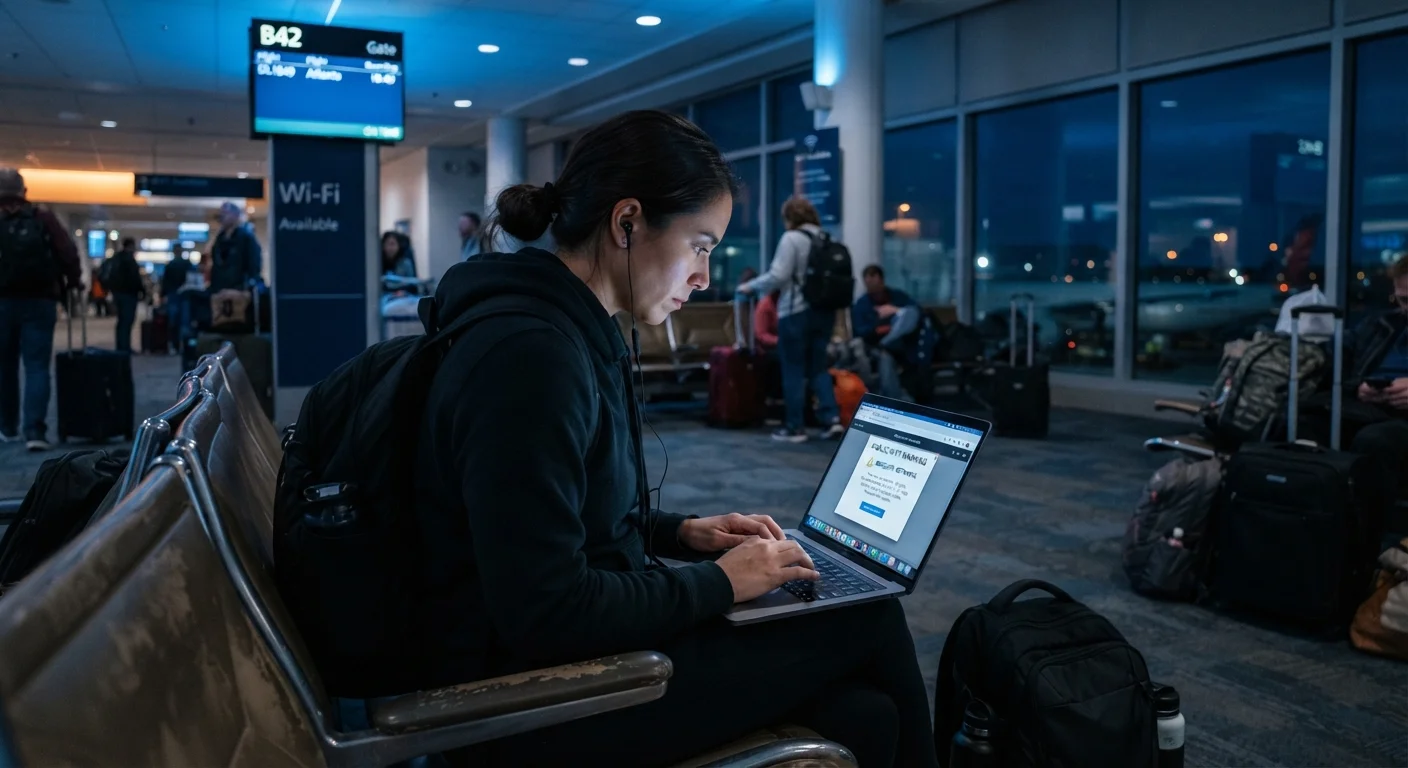
Free Wi-Fi at hotels, airports, cafes, and transit hubs is convenient, but convenience comes with trade-offs. On most public networks, all connected devices share the same local network. A technique called a "man-in-the-middle" attack lets a bad actor on that same network intercept data passing between your device and the websites you visit. On networks that lack proper encryption, usernames, passwords, and session cookies can be captured without your knowledge.
Fake hotspots are another concern. Someone can set up a hotspot named "Airport Free WiFi" near a genuine airport network, and your device may connect to it automatically. Once connected, all your traffic flows through that attacker's hardware.
These risks do not mean public Wi-Fi is always dangerous, but they do mean that connecting without any precautions is a gamble worth avoiding. As part of a broader travel safety plan, digital hygiene belongs alongside physical precautions. The complete travel safety guide covers that wider picture.
How to protect yourself: step-by-step
The steps below work together. Doing all of them before and during a trip gives you layered protection rather than relying on any single measure.
What you will need
Turn off auto-connect and Wi-Fi when not in use
On both iOS and Android, go to Wi-Fi settings and disable the option that automatically joins known or open networks. When you are not actively browsing, turn Wi-Fi off entirely. This prevents your device from silently joining a malicious hotspot while it sits in your bag.
Verify the network name with venue staff
Before connecting in a hotel lobby, airport lounge, or cafe, ask staff for the exact network name and, if applicable, the password. Attackers often name fake hotspots something plausible but slightly different. A quick verbal check takes seconds and removes the most common entry point for fake hotspot attacks.
Connect through a VPN
A VPN encrypts traffic between your device and the VPN server, so even if someone on the same network intercepts your data, they see only scrambled content. Install a VPN app before departure and activate it each time you connect to a public network. Many employers provide a VPN for work devices; check with your IT department before travel.
Disable file sharing and AirDrop
File sharing features that are useful at home become liabilities on a public network. On Windows, set your network type to 'Public' when connecting to any hotspot: this disables file and printer sharing automatically. On macOS, go to System Settings and turn off file sharing. On iOS and Android, set AirDrop or Nearby Share to 'Contacts Only' or off entirely.
Stick to HTTPS sites and avoid sensitive accounts
Look for 'https://' at the start of any web address before entering login credentials. HTTPS encrypts data between your browser and the website's server. Most browsers now flag non-HTTPS sites with a warning, but not all do so consistently. For banking, investment accounts, or work systems, wait until you have a private connection. Your mobile carrier's data plan is a practical fallback: keeping your devices charged and connected covers data options for international travel.
Enable two-factor authentication before you leave
Two-factor authentication (2FA) requires a second verification step beyond your password, usually a code sent to your phone or generated by an authenticator app. Set this up on email, banking, and any other critical accounts before your trip. If a password is captured while you are traveling, 2FA makes it significantly harder for an attacker to use it.
Set up your VPN before you leave home
Installing and testing a VPN app while still on your home network takes the guesswork out of setup under airport pressure. Many VPN services offer a free trial period, so you can verify it works on your device before your trip starts. See our guide to staying connected on the road for more pre-departure prep.
Never conduct banking on public Wi-Fi
Logging into financial accounts, filing taxes, or transmitting passwords over an unsecured public network puts that data at real risk. If you must handle sensitive transactions while traveling, use your mobile carrier's data connection instead of a public hotspot. This is general guidance; consult your financial institution for their specific security recommendations.
What to do if something seems wrong
If your browser suddenly redirects you to an unexpected login page after connecting to a public network, disconnect immediately. Many captive portals (the login screens hotels and airports use) are legitimate, but fake ones mimic them to steal credentials. Verify with staff that the network name and login page match what the venue actually uses.
If you suspect your device was compromised, change passwords for any accounts you accessed while on that network. Do this from a trusted connection such as your mobile data or home network. Enable two-factor authentication on accounts that support it so that a stolen password alone is not enough to gain access.
For context on how digital risks fit into the broader range of things that go wrong for travelers, see why travelers get caught out by petty theft. The situational awareness that reduces physical theft applies to digital exposure too.
This article is for general informational purposes only. Security tools and practices evolve; verify current guidance with your device manufacturer, your employer's IT policy, and official cybersecurity sources before traveling.