

Key Takeaways
- Manufacturers test battery life under controlled conditions that do not reflect typical daily use.
- Screen brightness, wireless radios, and background apps are the biggest real-world drain factors.
- Battery capacity shrinks over time; a two-year-old device holds less charge than it did new.
- A higher milliamp-hour (mAh) rating does not automatically mean longer real-world runtime.
- Temperature extremes, both heat and cold, reduce usable battery capacity noticeably.
Why the gap exists between marketing and reality
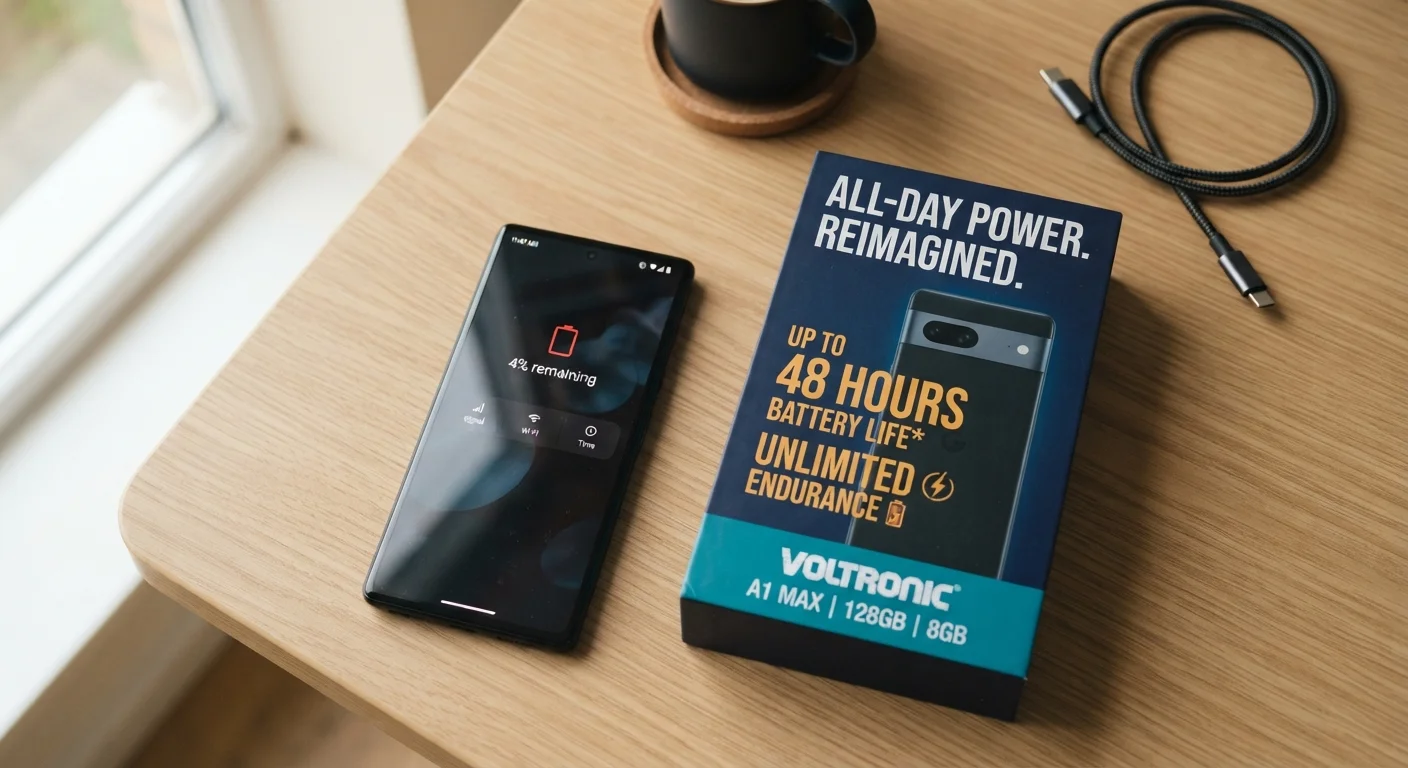
Every gadget box carries a battery life figure: "Up to 18 hours" or "All-day battery." These numbers come from standardized laboratory tests, not from someone using the device the way you actually would. Manufacturers follow testing protocols that minimize drain: low screen brightness, airplane mode or minimal wireless activity, looping a simple video or audio file, and ambient temperatures around 70 degrees Fahrenheit. Real use looks nothing like that.
When you use a phone or laptop outside that lab profile, you activate everything those tests deliberately avoid. The Wi-Fi radio scans constantly. GPS pings your location. The screen runs bright enough to see outdoors. Notifications wake the processor dozens of times per hour. Each of those activities draws current that the quoted figure never accounted for.
Understanding this gap helps you set realistic expectations before buying and manage what you already own. For a closer look at how your installed software compounds the problem, see why apps drain battery faster.
Myth
The battery life number on the box reflects how long the device will last in normal daily use.
Fact
Manufacturer test conditions are deliberately minimal: low brightness, limited wireless activity, and controlled temperature. Real use draws considerably more power.
Testing standards like those used by device makers are designed to produce repeatable, comparable results, not to simulate a workday. When you add streaming, navigation, background sync, and calls, runtime can drop to 50 to 60 percent of the quoted figure or less, depending on how demanding your usage is.
Myth
A bigger mAh rating always means the device will last longer between charges.
Fact
Runtime depends on both capacity and power draw. A larger battery paired with an inefficient processor or bright display may last no longer than a smaller, more efficiently designed alternative.
mAh measures stored energy, but the processor, display, and radios determine how fast that energy is consumed. Chip architecture and software optimization can matter as much as raw capacity. Compare real-world review benchmarks alongside the mAh spec for a fuller picture.
Myth
Keeping your device plugged in all the time is the best way to always have a full battery.
Fact
Continuously charging to 100 percent and keeping a lithium-ion battery at full charge accelerates chemical wear over time.
Lithium-ion cells experience more stress at the top and bottom of their charge range. Many device manufacturers now include charge-limiting features that stop at 80 percent when the device is plugged in overnight precisely to reduce this wear. Cycling between roughly 20 and 80 percent is gentler on the cell than constant full charges.
Myth
Battery life degrades only if you charge improperly.
Fact
Degradation happens regardless of charging habits; it is a chemical property of lithium-ion technology. Habits affect the rate, not whether degradation occurs.
Every charge cycle ages the cell to some degree. Heat, deep discharges, and constant full-charge storage speed up the process, but even a carefully maintained battery will hold less capacity after a few years. Planning for this reality is more useful than expecting to prevent it entirely.
Myth
Turning Wi-Fi off when you are not using it saves significant battery life.
Fact
On modern devices, Wi-Fi often consumes less power than cellular data for the same data transfer. Disabling Wi-Fi and relying on cellular can increase battery drain in areas with strong Wi-Fi coverage.
Wi-Fi radios have become quite efficient, and connecting to a nearby router uses less transmission power than reaching a cell tower. The bigger savings come from disabling location services for apps that do not need them and reducing background refresh for non-essential apps.
Variables that shape real-world runtime
Once you move past the marketing number, a handful of factors determine how long your charge actually lasts.
Screen brightness
The display consumes more power than almost any other component on a smartphone or tablet. Running at full brightness can cut rated battery life roughly in half compared with running at 50 percent. Auto-brightness helps, but it reacts to ambient light, not to your battery level.
Wireless connections
Wi-Fi, Bluetooth, cellular data, and GPS each draw power even when you are not actively using them. A device searching for a weak cellular signal burns significantly more power than one connected to a strong network, because the radio repeatedly amplifies its output trying to stay connected.
Battery age and charge cycles
Lithium-ion cells degrade with every charge cycle. After 300 to 500 full cycles, a battery typically retains around 80 percent of its original capacity, and capacity continues to drop after that. A device you have owned for two years may have a noticeably shorter runtime than it did when new, even with identical usage habits. Good charging habits can slow this process, and extending the useful life of your devices covers those practices in detail.
Temperature
Cold temperatures temporarily reduce the voltage a lithium-ion cell can deliver, so a device left in a cold car may show a sharp battery drop that partially recovers once it warms up. Sustained heat is more damaging: temperatures above 95 degrees Fahrenheit accelerate permanent chemical degradation inside the cell.
~80%
Typical capacity retained after 500 charge cycles
This figure reflects the general lithium-ion degradation curve cited in battery chemistry literature and widely referenced by device manufacturers in their battery health disclosures.
Up to 50%
Runtime reduction at maximum screen brightness
Display power draw is consistently identified as the largest single energy consumer in smartphone teardown and power analysis studies.
If you regularly carry devices while traveling, planning around real battery limits matters. Keeping your devices charged and connected while traveling offers practical strategies for staying powered on the road.
Making sense of specs before you buy
Battery capacity is measured in milliamp-hours (mAh), a unit that describes how much charge a battery can store. A larger mAh number means more storage, but runtime depends on how efficiently the device uses that stored energy. A phone with a 5,000 mAh battery and a power-hungry processor may last fewer hours than one with a 4,500 mAh battery and a more efficient chip.
When comparing devices, look at how the manufacturer describes its test conditions. Some publish detailed methodology; others do not. Third-party reviews that test under consistent real-world loads are often more informative than the box figure. This kind of spec literacy applies broadly: common assumptions that lead to underpowered or overpowered devices covers similar traps buyers fall into across other hardware categories.
Battery technology in consumer gadgets differs from the larger 12-volt lead-acid units in vehicles, but the principle of rated capacity versus real-world performance applies there too. Car battery basics explains that dynamic in the automotive context.