

Key Takeaways
- Each permission type maps to a specific hardware feature or data category on your device.
- Granting a permission you do not understand can expose personal data or increase battery drain.
- Most operating systems let you review and revoke permissions at any time in your device settings.
- A mismatch between an app's stated purpose and the permissions it requests is worth investigating.
- Location, microphone, and contacts permissions carry the highest privacy implications for most users.
App permissions
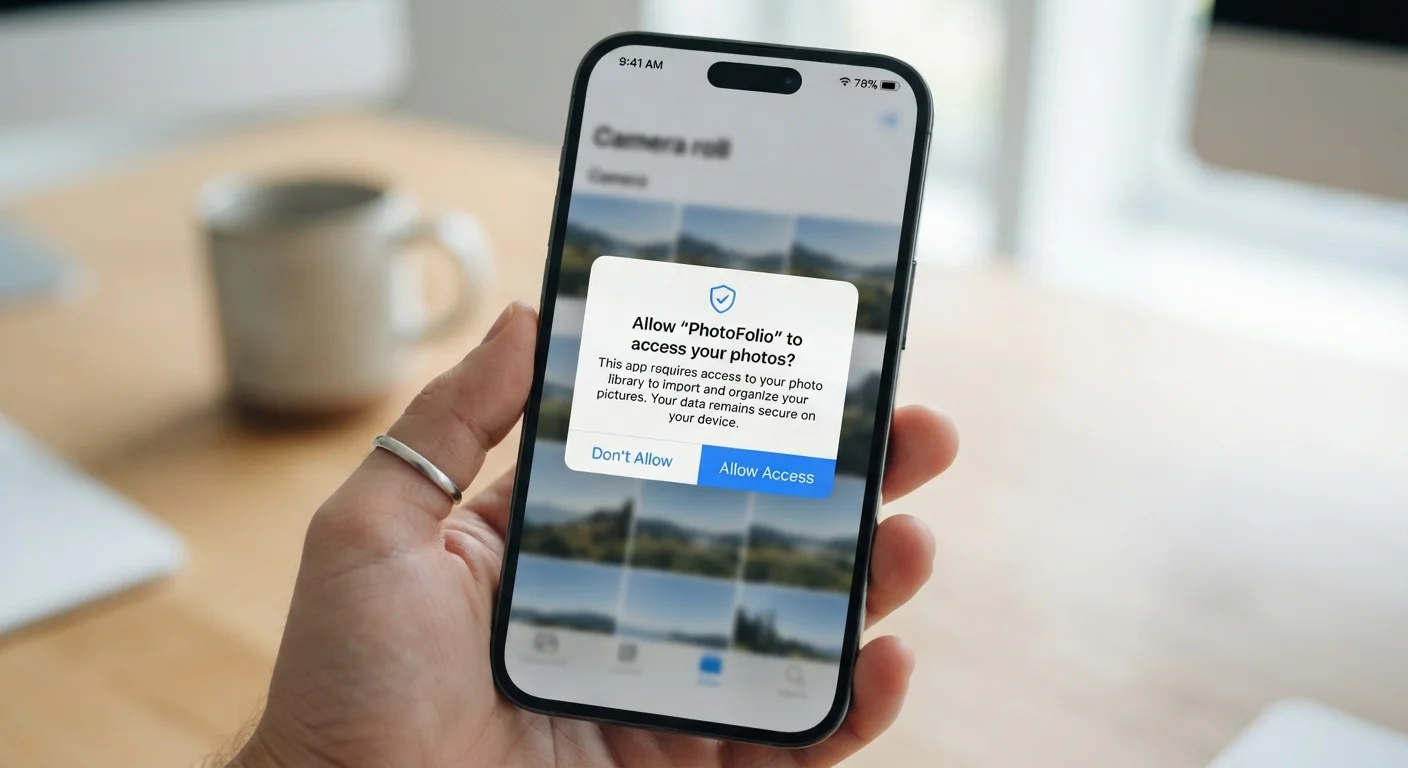
App permissions are requests an app makes to access specific features or data on your device, such as your camera, contacts, location, or microphone. Your phone's operating system presents these requests as prompts, and you can approve or deny them. The permissions you grant determine what information an app can read, collect, or transmit.
On both Android and iOS, permissions are enforced at the operating system level, meaning an app cannot access a restricted resource without an explicit grant from the user or system policy.
The permission categories you'll see most often
Mobile operating systems organize permissions into categories tied to specific hardware or data. Knowing what each one touches makes the prompt easier to evaluate.
- Location: Precise GPS coordinates or approximate position derived from Wi-Fi and cell towers. Apps can request access only while in use, or continuously in the background.
- Camera: The ability to capture photos and video. This also applies to augmented-reality features in some apps.
- Microphone: Audio input from the device. Voice search, video calls, and audio recording all require this.
- Contacts: Your full address book, including names, phone numbers, and email addresses stored on the device.
- Storage or Files: Reading or writing files on your device. Photo editors, document apps, and download managers commonly need this.
- Notifications: The ability to send alerts to your lock screen and notification tray. This is separate from hardware access but affects how much an app can interrupt you.
- Bluetooth and nearby devices: Pairing with peripherals or scanning for nearby devices. Fitness trackers and wireless speakers depend on this.
A few permissions, such as access to health data or precise financial information, appear only in specific app categories and carry their own system-level protections.
How to judge whether a permission makes sense
The clearest test is whether the requested permission matches the app's stated function. A navigation app asking for location access is expected. A recipe app asking for the same permission to "personalize suggestions" is harder to justify without more explanation.
Ask two questions before granting any permission: Does the app need this to do what I downloaded it for? And will denying it break the core function or just a minor feature?
Many apps request permissions upfront during onboarding, before you have used the feature that actually needs them. You can often deny the request at that point and grant it later if a specific feature requires it. The app will prompt you again when the relevant function is triggered.
Review permissions after updates
App updates can request new permissions without prominently alerting you. After a significant update, check the app's permission list in your device settings to see if anything changed. This takes under a minute and can catch newly added access you did not intend to grant.
When a permission feels out of place, check the app's privacy policy or the app store listing for an explanation. Signs that an app mishandles personal data can help you recognize patterns worth avoiding.
Permissions that deserve extra scrutiny
Location, microphone, and contacts stand out because of how much they reveal beyond the immediate interaction.
Background location access lets an app track your movements continuously, even when you are not using it. This is appropriate for apps that provide turn-by-turn navigation or log fitness routes. For a weather app or a shopping app, background location typically serves advertising purposes rather than core functionality.
Contacts permission hands over names and numbers for every person in your address book, not just your own identity. Some apps use this to map social graphs or suggest connections. Before granting it, consider that other people's information is involved, not just yours.
Microphone access is necessary for voice features, but it is also one of the permissions users are most cautious about. The concern is usually whether an app listens passively. Current iOS and Android versions display a visible indicator (a colored dot or icon) whenever the microphone is actively in use, which gives you a way to verify activity in real time.
You can review all granted permissions at once through your device's privacy or app settings. Device security settings most people never touch includes a walkthrough of where to find these controls on common devices.
What happens when you deny or revoke a permission
Denying a permission does not delete the app or your account. The app simply cannot access that resource. In most cases, the feature tied to that permission stops working while everything else continues normally.
Some apps respond to a denial by explaining why the permission matters and asking again. Others accept the denial silently. A small number refuse to function at all without permissions that are not strictly necessary, which is worth noting when you decide whether to keep the app.
Revoking a permission you previously granted works the same way. Go to your device settings, find the app, and toggle off the relevant permission. The change takes effect immediately. If the app was using that resource in the background, access stops.
App stores have approval processes that check for some misuses of permissions, but they do not catch everything. How app stores review and remove apps explains what those processes cover and where gaps remain.