

Key Takeaways
- Centralizing your router in your home reduces the maximum distance signal must travel to any room.
- Physical obstructions like concrete walls, metal appliances, and floors absorb or deflect Wi-Fi signals significantly.
- Placing a router at height improves coverage because signals spread downward and outward more evenly.
- The 2.4 GHz band travels farther through walls; the 5 GHz band delivers faster speeds over shorter distances.
- Interference from cordless phones, microwaves, and neighboring networks can degrade your signal without any change in placement.
Why placement matters more than hardware
Many households upgrade to a newer router expecting a dramatic improvement, only to find the same dead zones persist. The reason is almost always location. A router broadcasting from a corner office at one end of a two-story home will struggle to reach the kitchen at the opposite end, regardless of its spec sheet.
Wi-Fi signals are radio waves. They travel in all directions simultaneously and lose strength as they pass through air, walls, floors, and furniture. The farther a device sits from the source, and the more material the signal must cross, the weaker the connection. Getting placement right costs nothing and often delivers more noticeable improvement than any hardware swap.
If you are weighing whether Wi-Fi is even the right approach for your home, see how it compares to a wired Ethernet setup before making changes.
Place your router as close to the geographic center of your home as possible
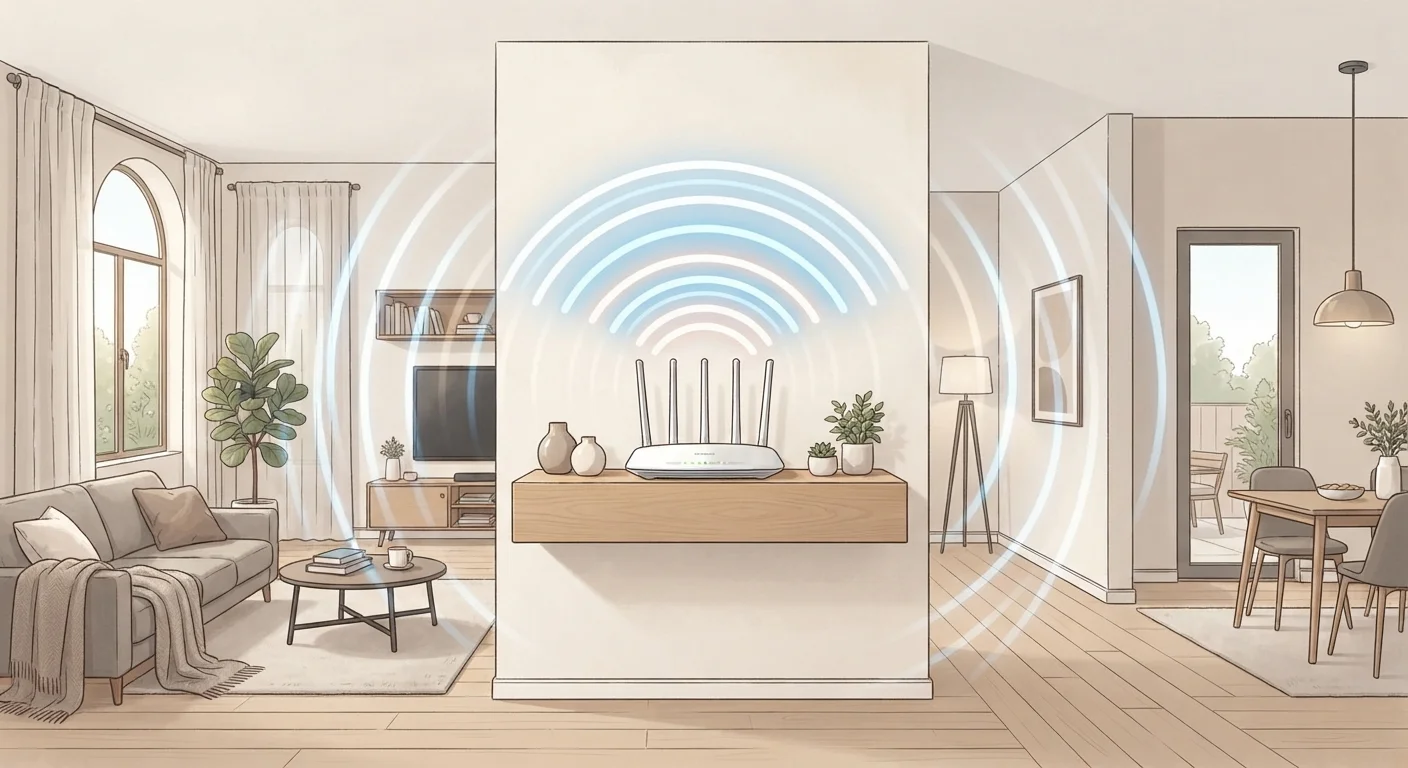
Signal radiates outward in all directions from the router. A central position minimizes the maximum distance to any corner of the home, giving every room a more equal share of signal strength. A router tucked in a far corner effectively wastes half its range broadcasting into a wall or outdoors.
Mount or elevate the router rather than placing it on the floor
Wi-Fi antennas on most home routers broadcast signals in a pattern that spreads outward and slightly downward. Placing the router on the floor means most of that energy goes into the ground. A shelf or mounted position at roughly waist to chest height lets the signal spread horizontally across the room and downward to floor level, covering more usable space.
Keep the router away from large metal objects and appliances
Metal reflects and scatters radio signals. An appliance like a refrigerator placed between the router and the rest of the home acts as a partial barrier, redirecting energy in unpredictable directions. Even decorative metal items on nearby shelves can contribute to this effect.
Orient router antennas perpendicular to the devices you most want to reach
A vertical antenna broadcasts signal strongest in the horizontal plane around it. If your priority is reaching devices on the same floor, vertical antennas work well. For multi-story coverage, tilting one antenna to about 45 degrees helps send signal toward the floor above or below. Routers with multiple antennas can have each oriented differently to cover multiple planes simultaneously.
Choose a Wi-Fi channel with the least interference from neighboring networks
In dense living environments like apartment buildings, dozens of networks may share the same channel. When multiple networks broadcast on the same channel, they compete for airtime and slow each other down. Switching to a less congested channel can improve speed without any physical changes to your setup.
The materials that block your signal
Not all walls are equal. Drywall absorbs relatively little signal. Concrete, brick, and plaster absorb a great deal. Metal is the worst offender: a router placed near a metal filing cabinet, refrigerator, or large appliance will reflect and scatter its own signal. Water is also a strong absorber, which is why a fish tank or a water heater between your router and a device can cause unexpectedly poor performance.
Floors and ceilings matter in multi-story homes. A router on the ground floor sends much of its energy horizontally; the signal that reaches the floor above has already crossed both the ceiling and floor materials. Placing the router on the first floor as high as possible (on a shelf rather than the floor) reduces the effective barrier between floors.
~50%
Signal loss through a single concrete wall
Radio frequency engineering guidelines indicate a standard concrete wall can reduce 2.4 GHz Wi-Fi signal strength by roughly half, depending on thickness and density.
2x
Coverage radius difference: floor vs. elevated placement
Wi-Fi antenna pattern studies consistently show that elevating a router from floor level to shelf height roughly doubles the effective horizontal coverage radius.
Frequency bands and when to use each
Most modern routers broadcast on two frequency bands: 2.4 GHz and 5 GHz. The 2.4 GHz band travels farther and passes through walls more easily, but it carries less bandwidth and shares spectrum with many other household devices, including microwaves and older cordless phones. The 5 GHz band delivers faster speeds over shorter distances but degrades more quickly through solid materials.
A device in the same room as your router benefits from 5 GHz. A device two rooms away may perform better on 2.4 GHz even though the raw speed ceiling is lower, because it will get a more stable connection. Many routers let you assign devices to specific bands through their admin interface, which is worth doing for anything that needs consistent performance, such as a streaming box or a video call setup.
Understanding which Wi-Fi generation your router supports also shapes what you can expect from each band. A complete guide to Wi-Fi standards covers how generations from Wi-Fi 5 onward handle band management differently.
When placement alone is not enough
Some homes have layouts that no single router placement can fully solve: long narrow floor plans, multi-story buildings with thick concrete between floors, or outdoor areas you want to cover. In those cases, the question becomes whether to add a range extender, a wired access point, or a mesh system.
Range extenders rebroadcast your existing signal, which can help in simple layouts but often creates inconsistent handoff between the router and extender. Mesh systems use multiple nodes that communicate with each other to hand off devices seamlessly. Mesh networks work differently from a standard router in ways that matter before you decide to invest in one.
Once your network coverage is sorted, securing your home network is the logical next step to protect every device connected to it.