

Key Takeaways
- Firmware lives inside hardware chips and rarely changes, but updates to it can fix serious security gaps.
- The operating system manages memory, storage, and processes so that apps can run reliably.
- Apps (software) depend on both the operating system and firmware being healthy to work correctly.
- Skipping any layer's updates can leave a device vulnerable, even if other layers are current.
- Understanding these layers helps you troubleshoot problems and decide when a device is genuinely out of support.
Firmware, software, and operating system
Every digital device runs on three distinct layers of code. Firmware is low-level code embedded directly in hardware chips that controls how the device powers on and communicates internally. The operating system sits on top and manages all resources, letting other programs run. Software (or apps) is the layer you interact with most, running on top of the operating system to perform specific tasks.
These layers are not always completely separate: some embedded devices merge firmware and operating system functions into a single image, while others keep them strictly distinct.
What each layer actually does
Think of a device as a three-floor building. Firmware occupies the ground floor, the operating system sits in the middle, and software (apps) fills the top. Each floor depends on the one below it.
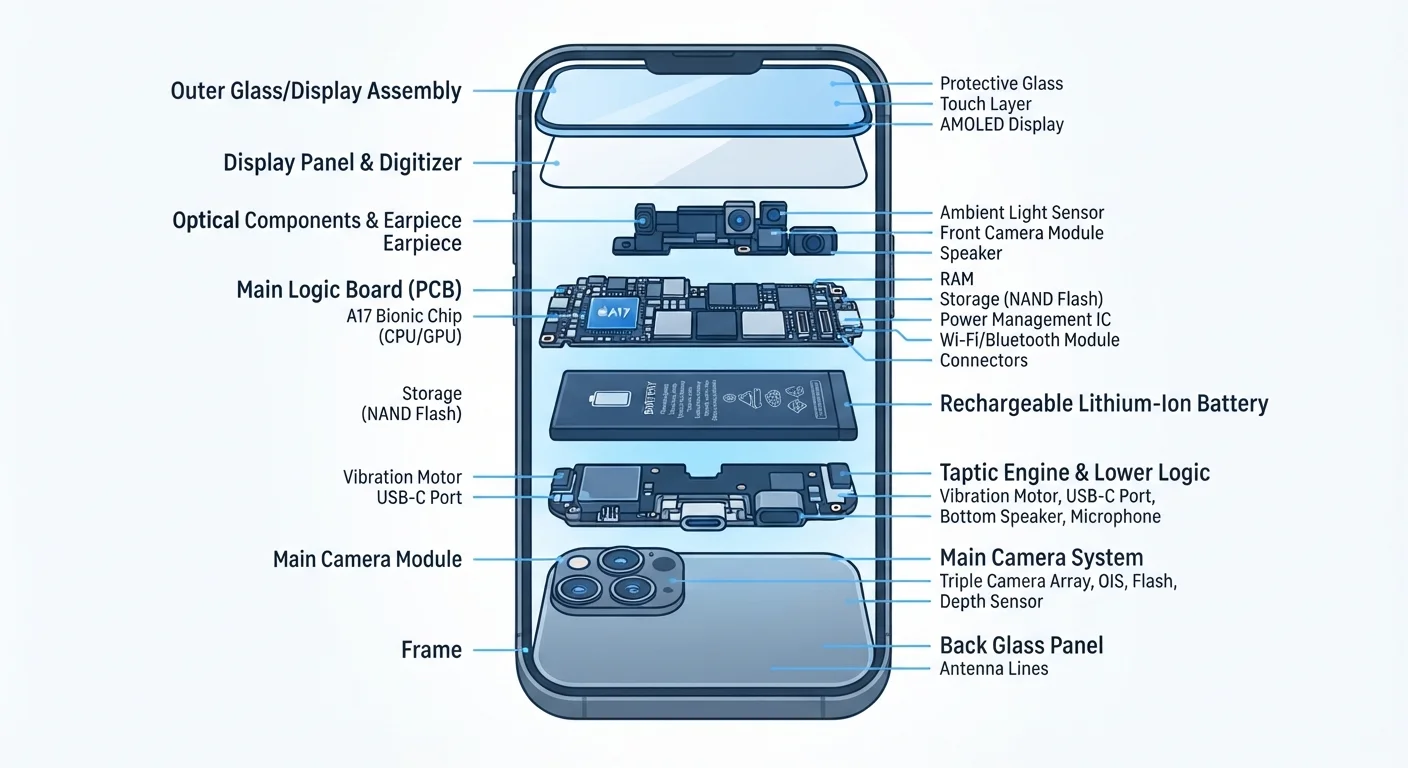
Firmware is code stored on a chip inside the hardware itself. When you press the power button, firmware runs first. It checks that the processor, memory, and storage are working, then hands control up to the operating system. On a laptop, this layer is often called the BIOS or UEFI. On a router or smart thermostat, firmware is essentially the entire system brain. It changes infrequently because it is written to non-volatile memory, meaning it persists without power.
The operating system (OS) loads after firmware completes its checks. It manages the device's resources: how much memory each process gets, which app gets access to the camera, how files are organized on storage. Windows, macOS, Android, iOS, and Linux are all operating systems. The OS also provides a consistent set of tools that app developers use, so they do not have to write code for every possible hardware combination themselves.
Software (apps) runs on top of the OS. A photo editor, a navigation app, a browser: each one asks the OS for resources, and the OS handles the actual interaction with hardware. The app developer never needs to know the exact chip inside your phone; the OS abstracts that complexity away.
Understanding this structure explains why a processor's design matters even before software touches it. How cores and clock speed work covers what happens at the hardware level that firmware communicates with.
Why updates at every layer matter
Many people update apps regularly but ignore firmware notices. That gap creates real risk.
Firmware updates fix vulnerabilities at the hardware-interface level. Because firmware runs before the OS loads, a flaw there is outside the reach of OS-level security tools. Routers are a common target: attackers can exploit outdated router firmware to intercept traffic from every device on the network, regardless of how current those devices' operating systems are.
Operating system updates do more than add features. They patch security holes in core functions, update the drivers that let the OS communicate with hardware, and sometimes change how apps interact with the system. Falling behind on OS updates means apps may behave unpredictably and known vulnerabilities stay open.
App updates matter because developers fix bugs, patch security issues in their own code, and adapt to OS changes. An app that worked perfectly on an older OS version may malfunction after an OS update if the developer has not kept up.
Update in the right order
When doing a major refresh on any device, apply firmware updates first, then OS updates, then app updates. This reduces the chance of compatibility problems mid-update and ensures each layer is ready before the next one depends on it.
The update order, when doing a major refresh on any device, should generally go: firmware first, OS second, apps third. This reduces the chance of compatibility problems mid-update.
How to identify what layer needs attention
Device problems often point to a specific layer once you know what to look for.
If a device fails to start or behaves erratically before the OS loads (unusual beeps, blank screens at startup, failure to detect storage), firmware or hardware is the likely cause. If the OS loads but apps crash broadly or system features stop working, an OS update or corruption is worth investigating. If one app misbehaves while others work normally, the problem is almost always at the app layer.
For devices outside the phone-and-laptop category, such as smart speakers, mesh Wi-Fi systems, and streaming devices, firmware updates are easy to overlook because those devices rarely show prominent notifications. Check manufacturer support pages periodically, especially after a security disclosure in the news mentioning connected home devices.
Wireless connectivity between layers also depends on version compatibility. Bluetooth version numbers are one area where firmware on older hardware determines what the OS and apps can actually use, even if the software side supports a newer standard.
When a manufacturer stops releasing updates for any layer, the device is effectively out of support. Running hardware past that point means accepting that known vulnerabilities will not be fixed, which is worth weighing when deciding whether to keep or replace a device.