

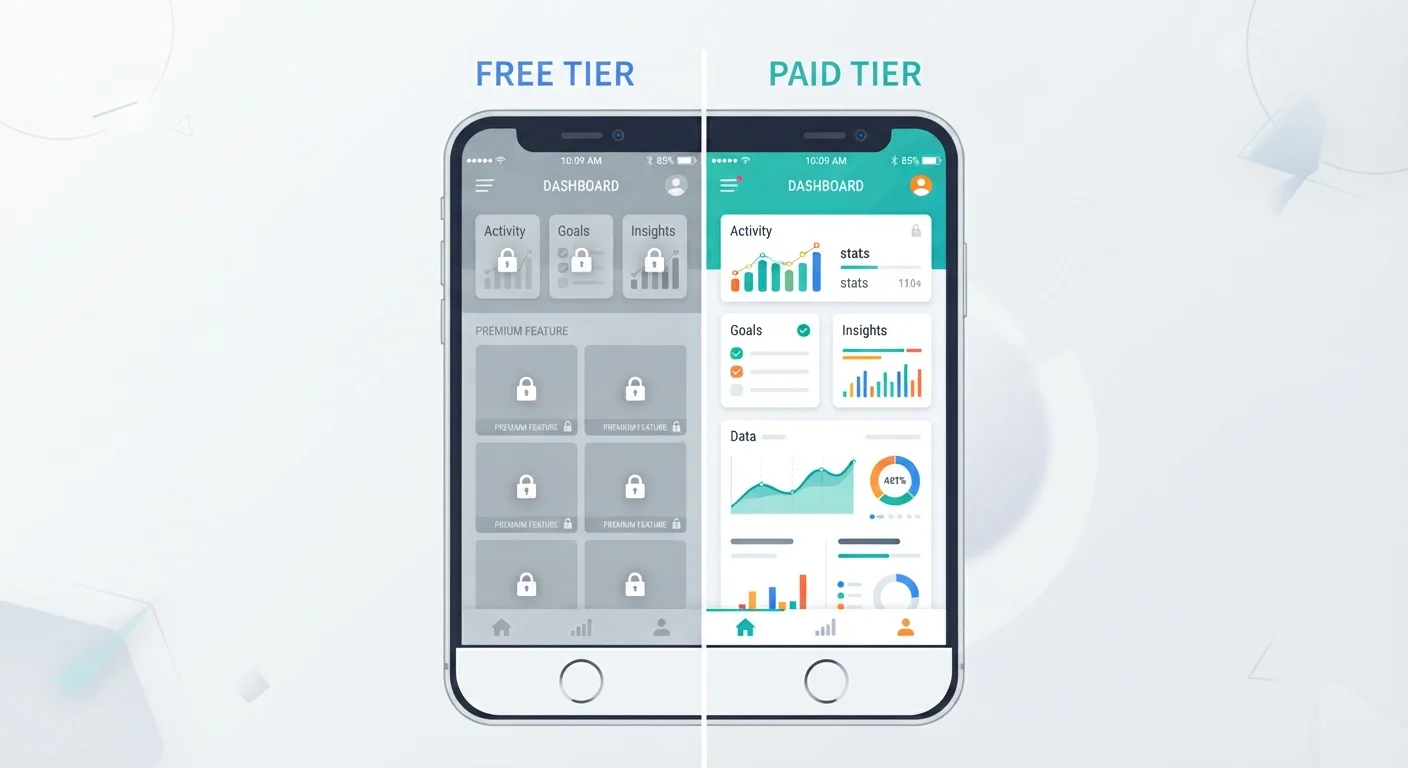
Key Takeaways
- Free tiers can deliver real value, but many apps deliberately limit them to push upgrades.
- Paid tiers typically remove ads, unlock features, and expand storage or usage limits.
- Understanding what a free tier restricts helps you judge whether an upgrade is worth the cost.
- Some apps offer more generous free plans than others; comparison before committing matters.
- Usage patterns should drive the decision, not marketing pressure or a fear of missing out.
No upfront cost to try the software
Free tiers let you test whether an app fits your workflow before spending money. This reduces the risk of paying for software that turns out to be a poor match.
Core functionality is usually available
Most freemium apps keep their primary function accessible on the free plan. A free-tier task manager still manages tasks; a free-tier editor still lets you write and edit.
Sufficient for light or occasional use
Users who open an app infrequently or for simple tasks often never hit the limits that would justify paying. The free tier stays useful indefinitely in these cases.
Allows side-by-side comparison before committing
Because many apps offer free tiers, you can run two or three options simultaneously to compare them on your actual tasks without financial commitment.
Usage caps can interrupt active workflows
Monthly limits on file uploads, messages sent, or projects created can stop work mid-task. Hitting a cap at a critical moment is disruptive in a way that is hard to anticipate until it happens.
Collaboration features are often gated
Shared editing, commenting, and team workspaces are among the most commonly paywalled features. Free tiers frequently limit collaboration to a single user or a very small group.
Ads interrupt the experience
Many free tiers display ads within the app interface or between actions. For daily-use apps, this adds repeated interruptions across a workday.
Free tiers can change or disappear
Developers can reduce what the free plan includes or discontinue it entirely. Users who build habits around a free tier carry some risk that those terms will shift.
Advanced tools require payment
Features like automation, detailed analytics, extended version history, and third-party integrations are almost always reserved for paid plans, limiting what free-tier users can do with the app.
Our Verdict
Free tiers work well for light or occasional use, and many apps genuinely provide enough on the free plan to meet everyday needs. Paid tiers make sense when a specific limitation is actively blocking your workflow or when the cost of workarounds (extra time, separate tools) exceeds the subscription price. The decision should follow your actual usage, not a general assumption that paid always means better.
Users who rely on an app daily for work or complex tasks will usually find paid tiers worthwhile, while casual or occasional users can often get sufficient value from a free plan.
How freemium models are designed to work
Most apps that offer both free and paid tiers use a model called freemium. The basic idea is straightforward: give users enough functionality to find the app useful, then charge for the parts that matter most to frequent or power users.
This structure benefits developers because it lowers the barrier to adoption. Users try the app at no cost, build habits around it, and some proportion eventually pay to remove friction. For users, the benefit is access to software they can evaluate before spending money.
The catch is that the line between "genuinely free" and "deliberately frustrating" varies considerably by app and developer. Some free tiers are stable, long-term offerings. Others are engineered to create enough friction that upgrading feels unavoidable after a short period of use.
Free tiers are not all alike
Some apps treat their free tier as a permanent, usable product and reserve paid plans for genuine power-user needs. Others set free-tier limits specifically to make the paid plan feel necessary within days of signing up. Reading user reviews and checking published feature comparison tables before adopting an app gives you a clearer picture of which type you are dealing with. App review platforms and technology publications often document how free-tier limits have changed over time for popular apps.
Recognizing which type of free tier you are dealing with early on saves time and prevents the sunk-cost feeling that can push users toward upgrades they do not need.
What free tiers typically include
A free tier usually covers the core function of an app. A note-taking app lets you write and save notes. A project management tool lets you create tasks. A cloud storage service gives you a fixed amount of space. The product works, just within defined boundaries.
Common free-tier features include basic file creation and editing, a capped number of projects or documents, limited storage (often between 2 GB and 15 GB depending on the service), access to a subset of templates or tools, and standard customer support with no priority access.
For users with modest or infrequent needs, this is often sufficient. A student using a writing app occasionally, or someone storing a small number of photos, may never hit the walls the free tier builds.
No upfront cost to try the software
Free tiers let you test whether an app fits your workflow before spending money. This reduces the risk of paying for software that turns out to be a poor match.
Core functionality is usually available
Most freemium apps keep their primary function accessible on the free plan. A free-tier task manager still manages tasks; a free-tier editor still lets you write and edit.
Sufficient for light or occasional use
Users who open an app infrequently or for simple tasks often never hit the limits that would justify paying. The free tier stays useful indefinitely in these cases.
Allows side-by-side comparison before committing
Because many apps offer free tiers, you can run two or three options simultaneously to compare them on your actual tasks without financial commitment.
What paid tiers typically add
Upgrading to a paid plan usually delivers changes in four areas: storage or usage limits, feature access, the ad experience, and support quality.
Storage and usage limits are often the most immediate difference. Free plans frequently cap file uploads, monthly usage hours, or the number of items you can create. Paid plans raise or eliminate those caps.
Feature access is where apps tend to concentrate the most value. Advanced editing tools, collaboration functions, automation, version history, and integrations with other software are commonly gated behind a paywall. If your workflow depends on any of those, the free plan will feel incomplete.
Ads are removed on most paid tiers. For apps used daily, this difference is more meaningful than it sounds: repeated ad interruptions add up across a workday. Paid support, faster response times, and dedicated help channels also come with most subscription plans.
Usage caps can interrupt active workflows
Monthly limits on file uploads, messages sent, or projects created can stop work mid-task. Hitting a cap at a critical moment is disruptive in a way that is hard to anticipate until it happens.
Collaboration features are often gated
Shared editing, commenting, and team workspaces are among the most commonly paywalled features. Free tiers frequently limit collaboration to a single user or a very small group.
Ads interrupt the experience
Many free tiers display ads within the app interface or between actions. For daily-use apps, this adds repeated interruptions across a workday.
Free tiers can change or disappear
Developers can reduce what the free plan includes or discontinue it entirely. Users who build habits around a free tier carry some risk that those terms will shift.
Advanced tools require payment
Features like automation, detailed analytics, extended version history, and third-party integrations are almost always reserved for paid plans, limiting what free-tier users can do with the app.
How to judge whether an upgrade is worth it
The most reliable test is whether a specific free-tier restriction is costing you time or forcing you to use a workaround regularly. If you are exporting files manually because sync is paywalled, or splitting work across multiple free accounts to bypass project limits, the cost of your time likely exceeds the subscription price.
Before upgrading, check whether a competitor offers a more generous free tier for the same core function. Many categories of apps have multiple viable options, and the most aggressively limited free tier is not always from the most capable product.
Trial periods, where available, are worth using fully. Run the paid plan during a period when you have actual work to do, not during a slow week. That gives you a realistic read on whether the paid features change how you work rather than simply how the interface looks.
2-5%
Typical freemium conversion rate
Industry analysis of freemium software products consistently finds that roughly 2 to 5 percent of free users convert to paid plans, which shapes how aggressively developers design their free-tier limits.
20-40%
Savings with annual vs monthly billing
Most subscription apps offer annual plans at a discount compared to month-to-month pricing, making the annual option significantly cheaper for users who commit after a trial.
Annual billing often costs 20 to 40 percent less than monthly billing for the same tier. If you decide to pay, committing to an annual plan after a trial reduces the long-term cost noticeably.